
GyeokSangCam 격상캠
Record your screen, games and devices, or capture images, with one button
Screenshots
Key features
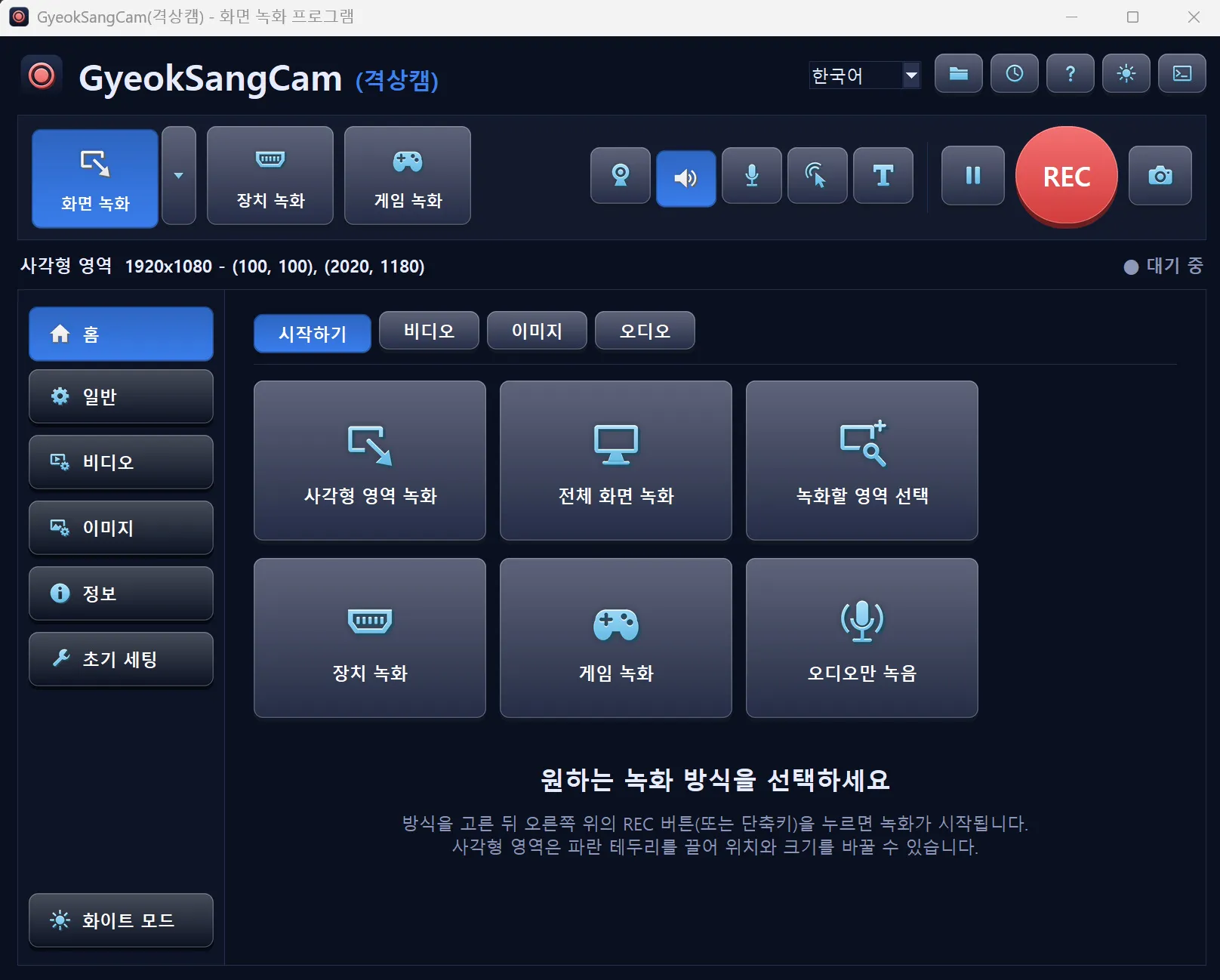
Six recording modes
Choose a rectangle area, full screen, a selected area, a device, a game, or audio only.
Webcam, sound and microphone
Add your webcam, system sound and microphone to a recording.
Mouse effects and text
Add mouse effects and text to make tutorial videos.
Image capture
Save the screen as an image with the camera button.
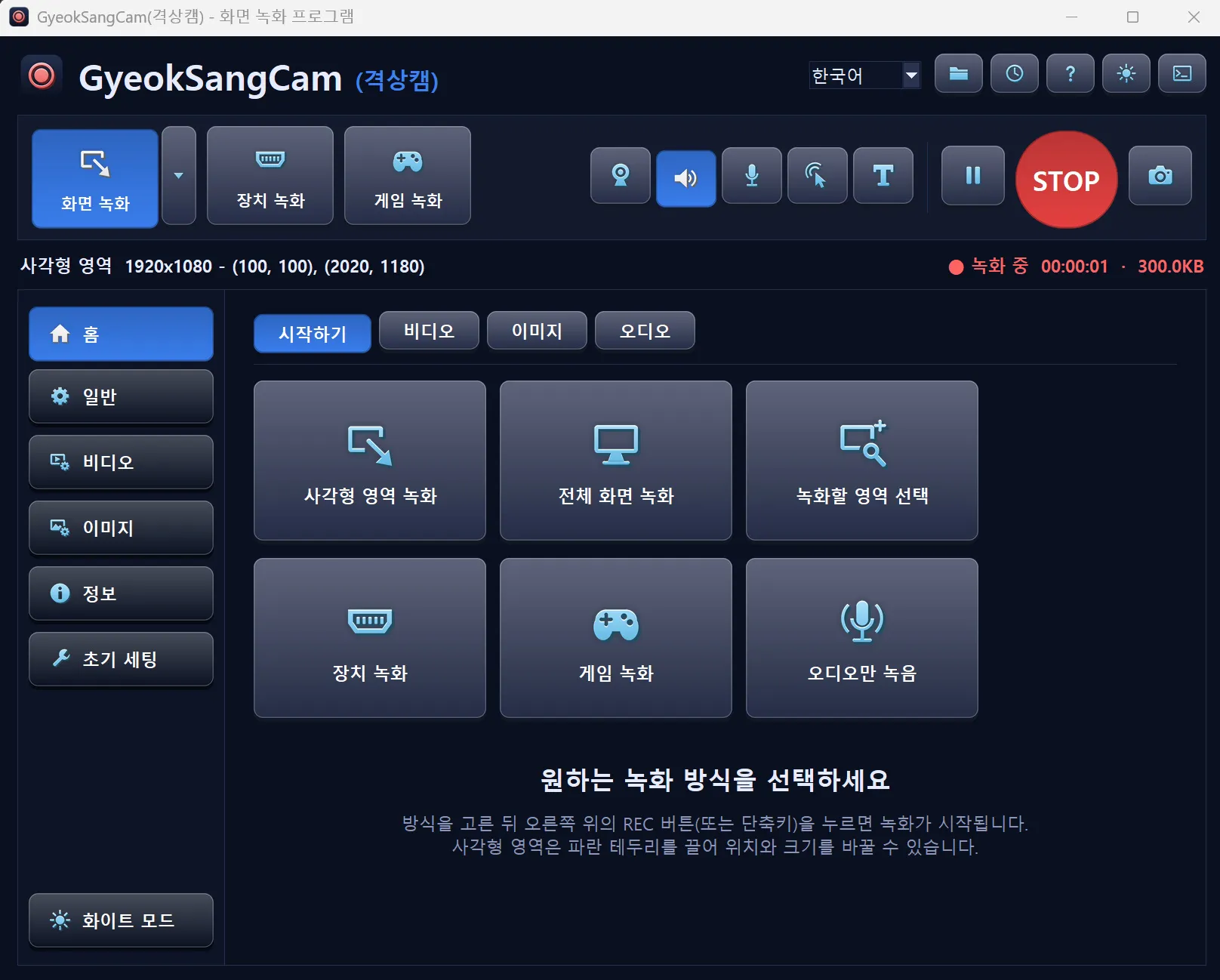
Live recording status
Shows elapsed time and file size while recording, and lets you pause.
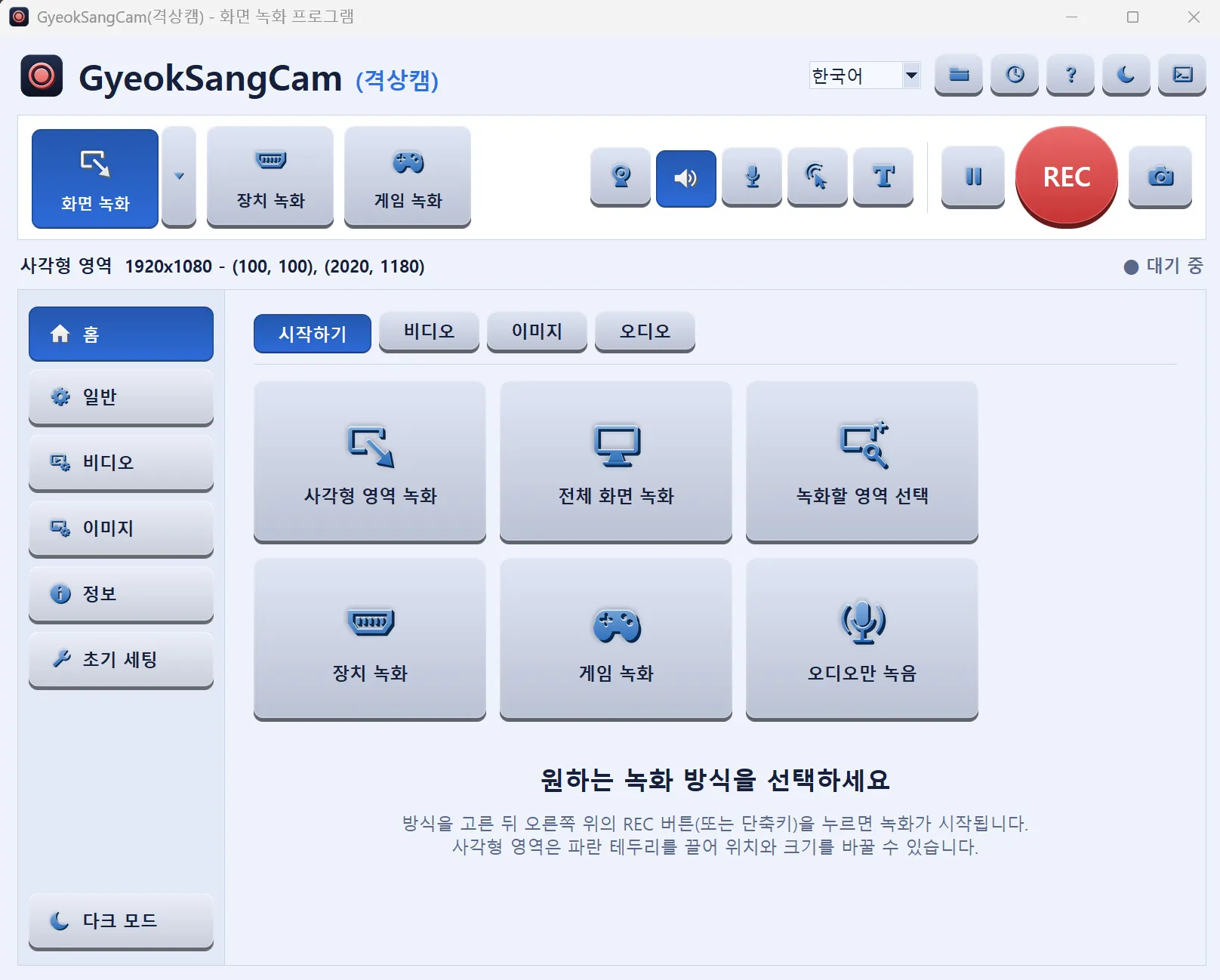
Dark/light mode and language choice
Change the theme and language inside the program.
License
Personal
Free
- Personal use by individuals
- Download and use right away
Business & organizations
Contact us
- All use other than personal, including companies and organizations
- Use after a license inquiry
We reply within 7 business days
The exact terms of use are set out in the Terms of Use. View Terms of Use
Release notes
We are preparing the first public release.
FAQ
Is it really free for personal use?
Yes. Personal use by individuals is free. Other use, such as by companies, is paid, and we will guide you through a license inquiry.
How much is a business license?
Pricing is provided on inquiry. Leave us a message and we will reply within 7 business days.
Didn't find your answer?
Contact us