
GyeokSangCut 격상컷
Trim, split and join videos without losing quality
Screenshots
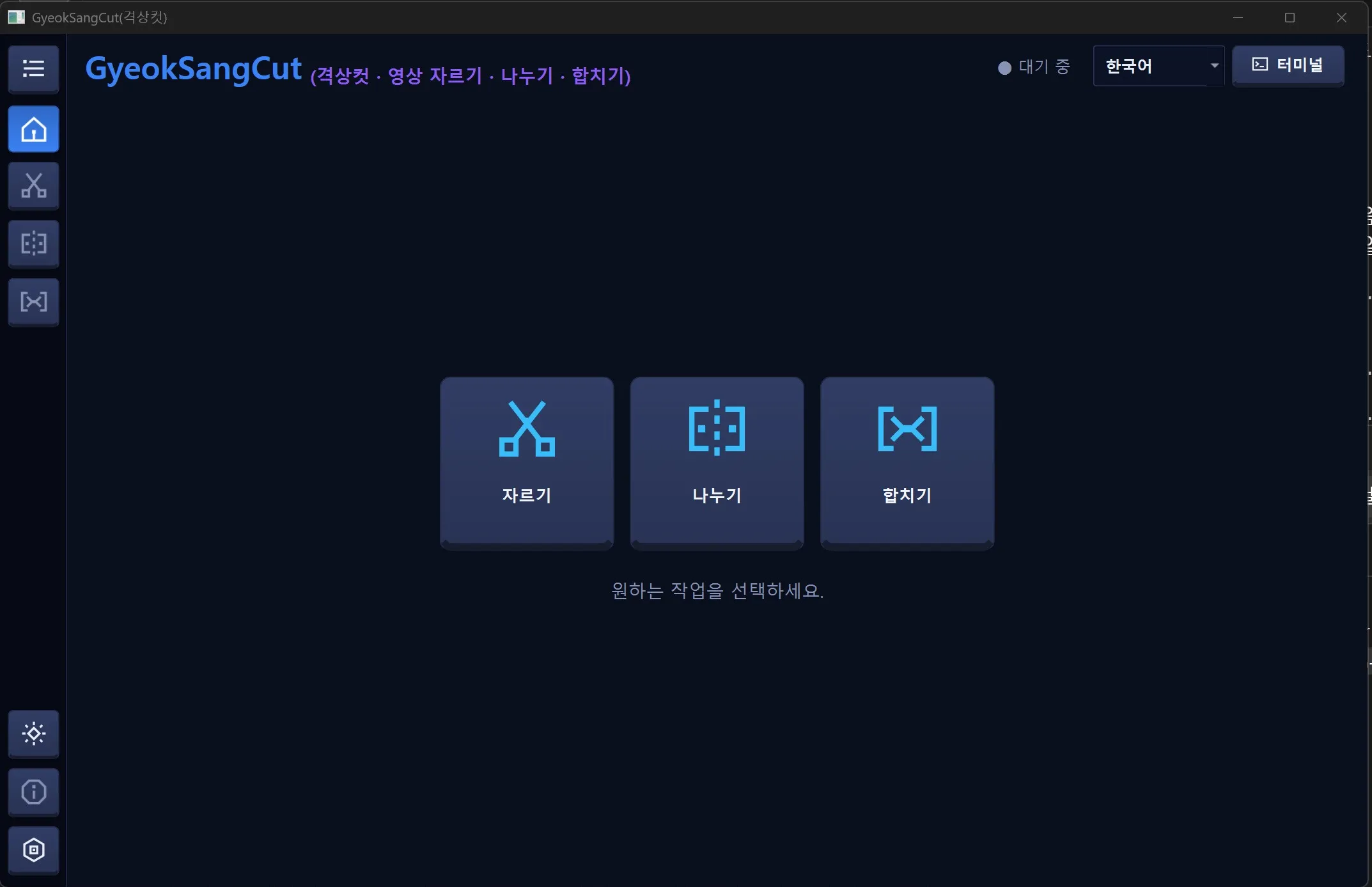
Key features
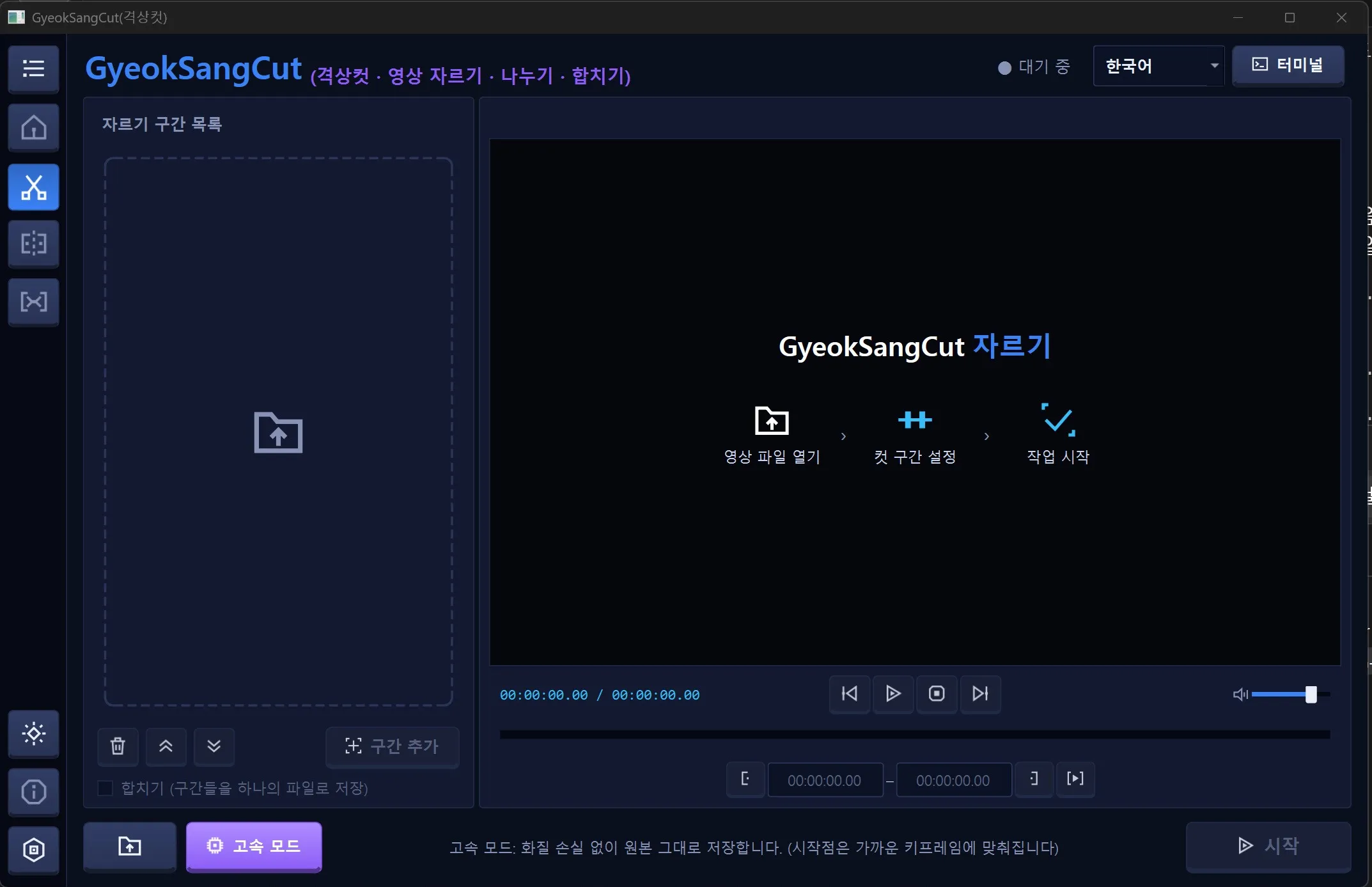
Trim
Mark several segments and reorder them. You can also save the segments as one file.
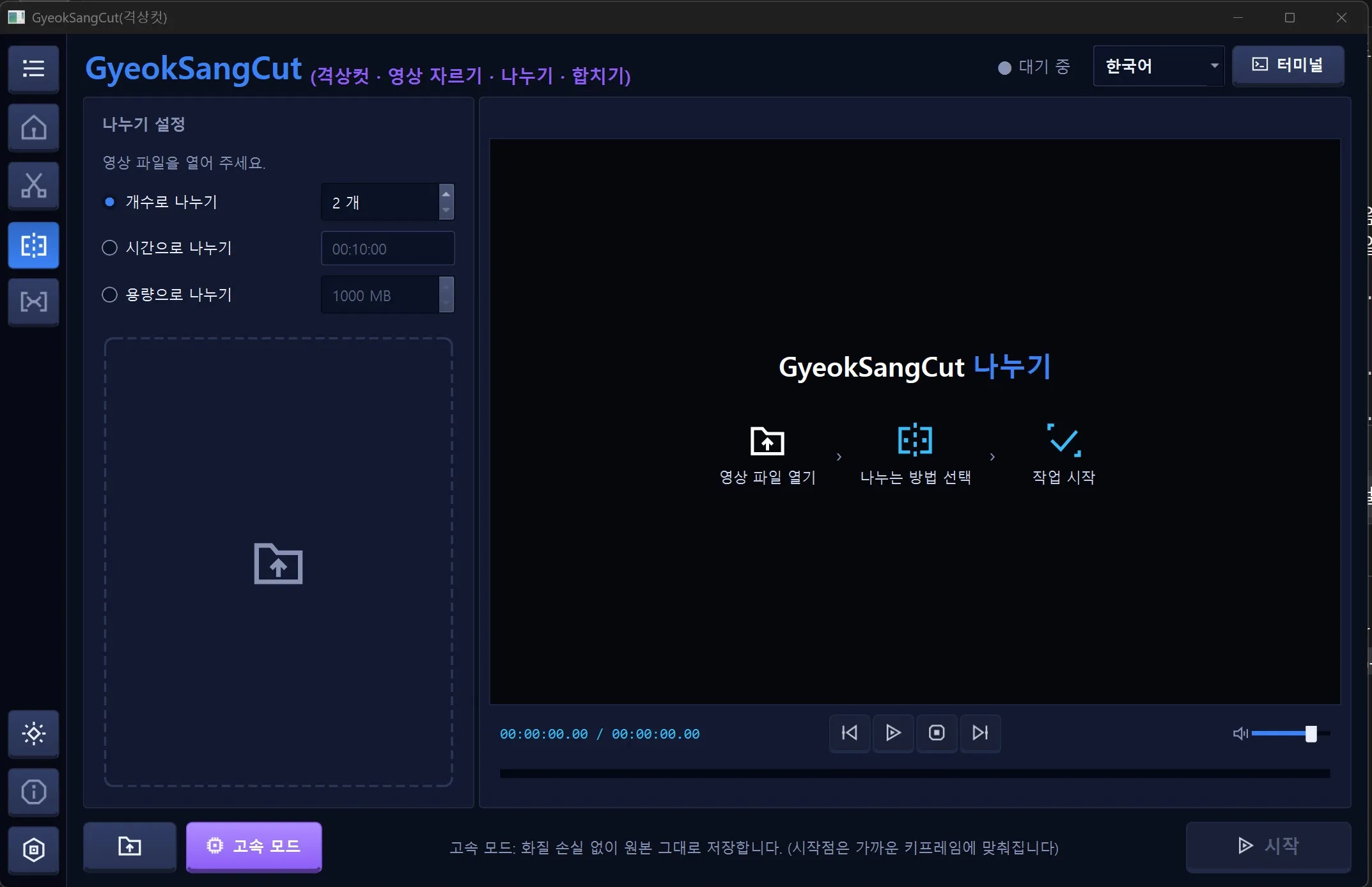
Split
Split a video by count, by time or by file size.
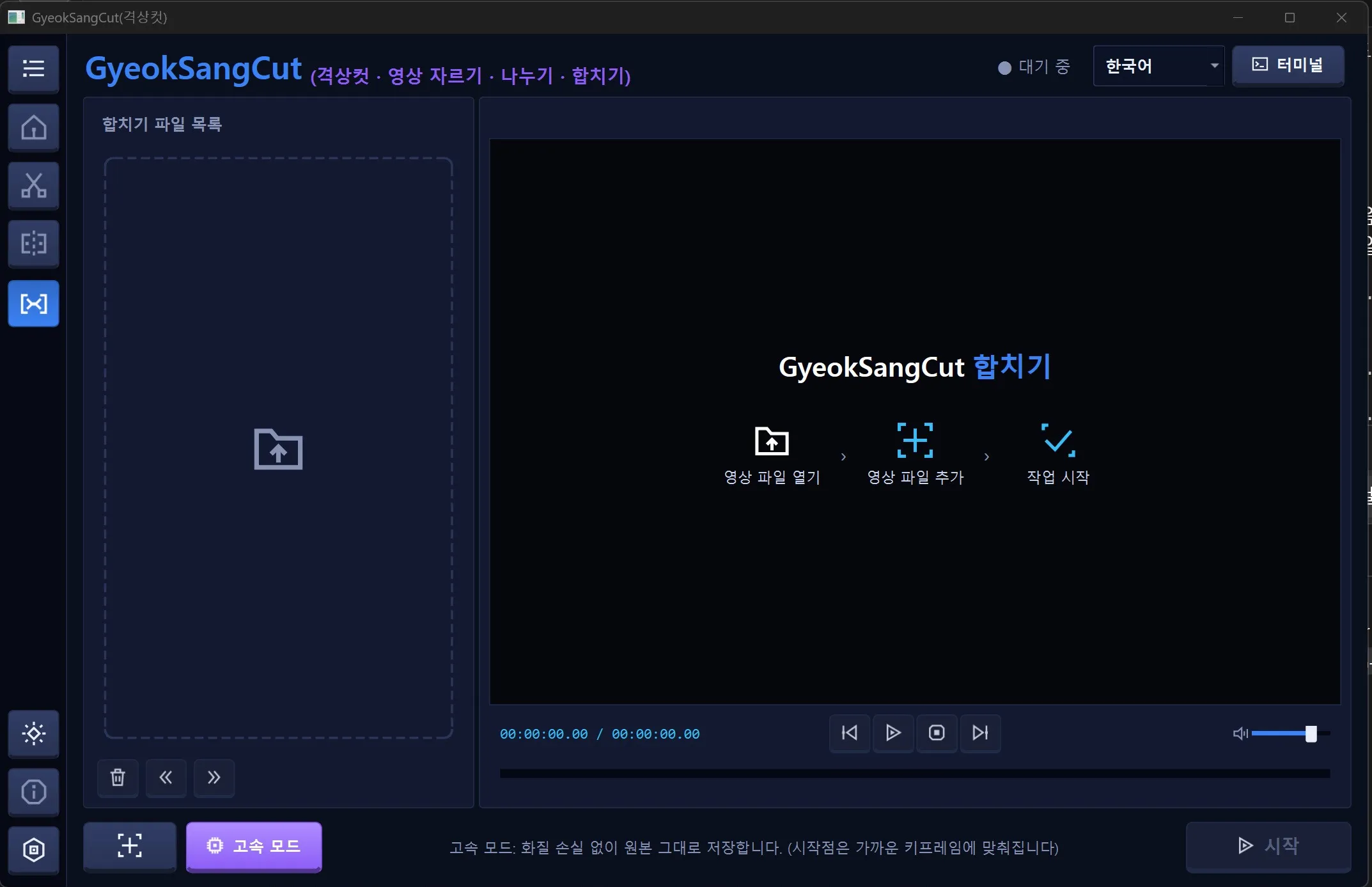
Join
Put several video files in order and join them into one.
Fast mode
Saves the original stream with no quality loss. The start point snaps to the nearest keyframe.
Preview
Play the video to check segments before you save.
Dark/light mode and language choice
Change the theme and language inside the program.
License
Personal
Free
- Personal use by individuals
- Download and use right away
Business & organizations
Contact us
- All use other than personal, including companies and organizations
- Use after a license inquiry
We reply within 7 business days
The exact terms of use are set out in the Terms of Use. View Terms of Use
Release notes
We are preparing the first public release.
FAQ
Is it really free for personal use?
Yes. Personal use by individuals is free. Other use, such as by companies, is paid, and we will guide you through a license inquiry.
How much is a business license?
Pricing is provided on inquiry. Leave us a message and we will reply within 7 business days.
What is fast mode?
It saves the original without re-encoding, so there is no quality loss. That is why the start point snaps to the nearest keyframe.
Didn't find your answer?
Contact us