GyeokSangVoiceMemo 격상음성메모
Tap once, speak, and it's saved as a text memo on Android
Screenshots
Key features
One tap to speak
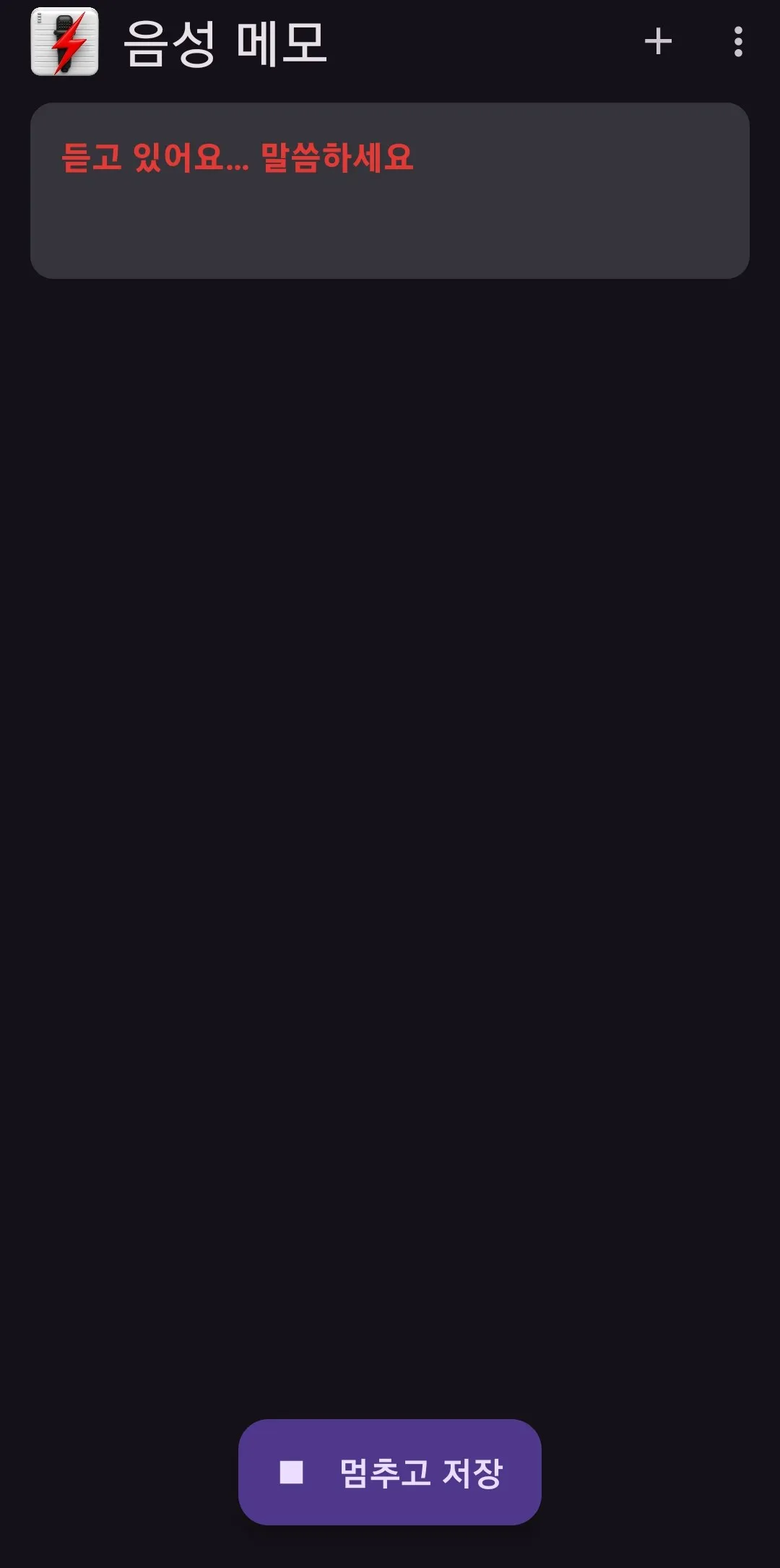
With the app open, tap Speak once and it starts listening right away. No menus to find and no settings to choose.
Your words become a text memo
Tap Stop and save, and what you said is saved as a memo. Catch a thought even when typing isn't practical.
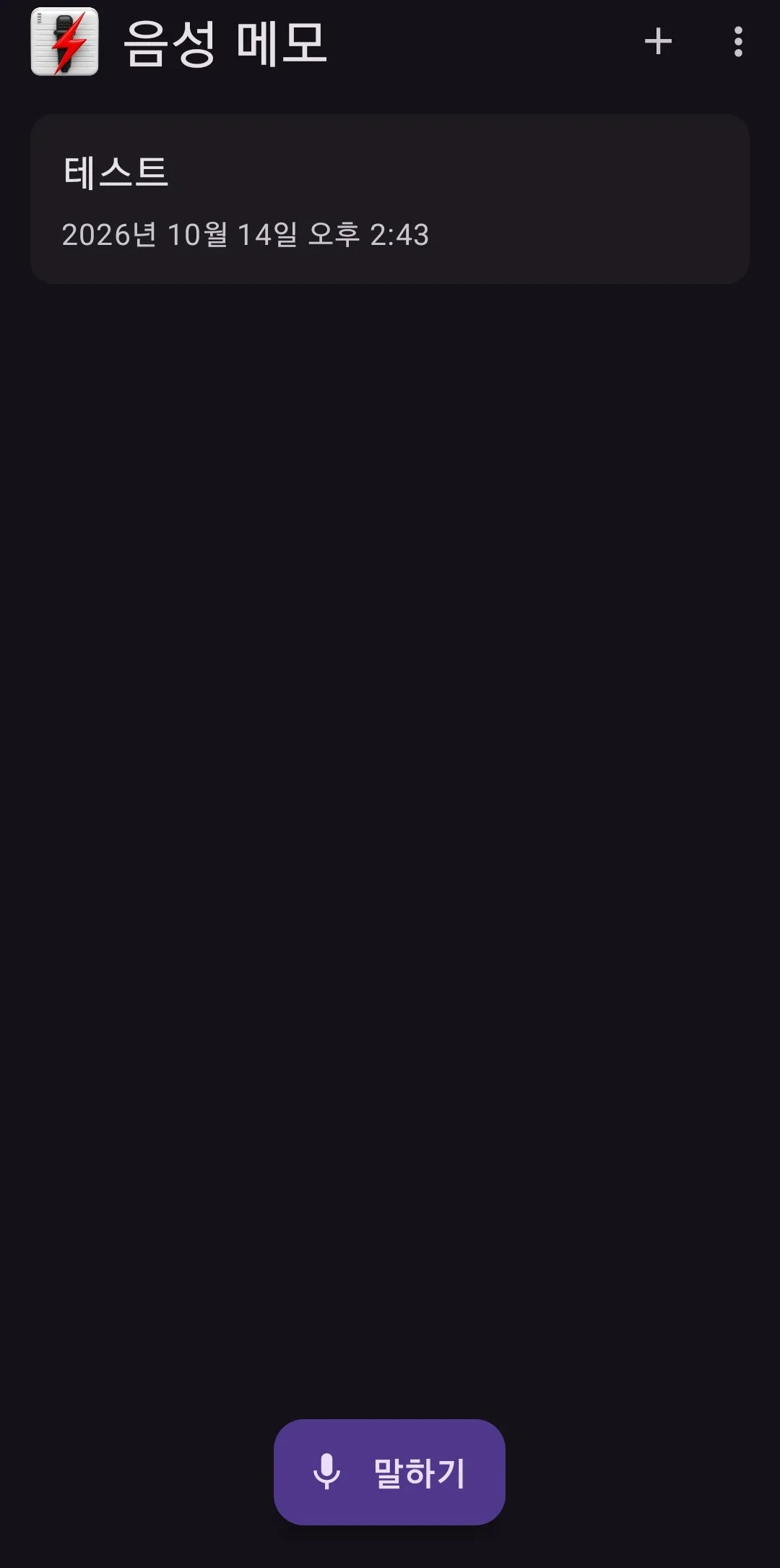
Memo list with date and time
Saved memos are listed with their date and time, so you know when you made each one. You can also add a new memo with the + button.
Paste into a new memo
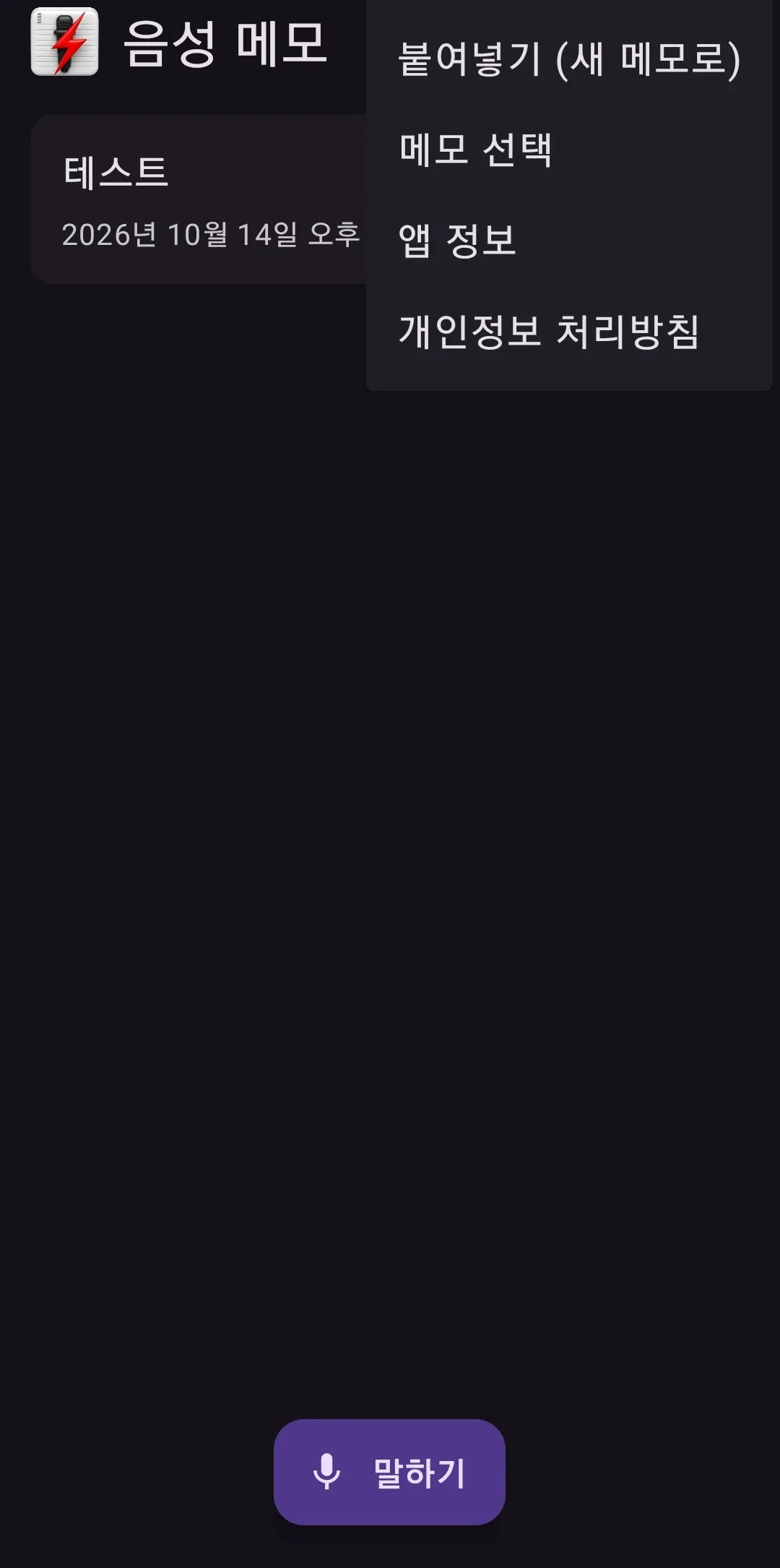
Text copied from another app becomes a new memo with "Paste (as new memo)" in the menu.
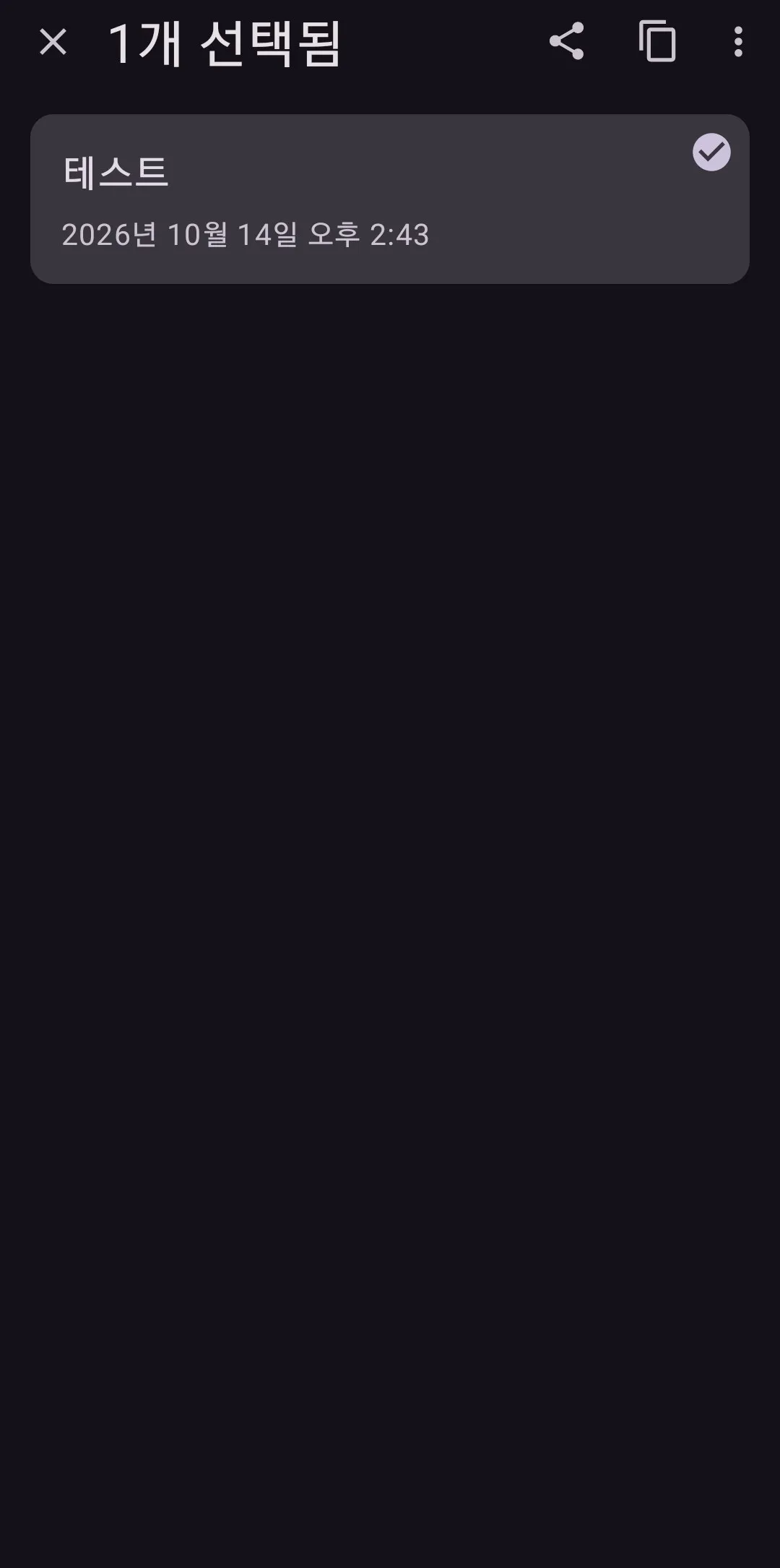
Select, share, copy
Use Select memos to share them to another app, or to copy or cut them.
Free for everyone, including businesses
There's no price. Individuals and businesses both use it for free.
How to use
- Open the app.
- Tap Speak once and say what you want to keep.
- Tap Stop and save to add it to your memo list.
License
Personal & business
Free
- For individuals, businesses and organizations
- Use it right away, no license inquiry
The exact terms of use are set out in the Terms of Use. View Terms of Use
FAQ
Where can I get it?
We're preparing the first public version. We'll post where to get it on this page at launch. Email us if you'd like to hear when it's out.
Is it free for businesses too?
Yes. GyeokSangVoiceMemo is free for both individuals and businesses. No license inquiry needed.
How is what I say saved?
Tap Stop and save and it's saved as a text memo, listed with its date and time.
Does it work on iPhone?
Not at the moment. It's for Android phones only.
Didn't find your answer?
Contact us